Marketing blocks
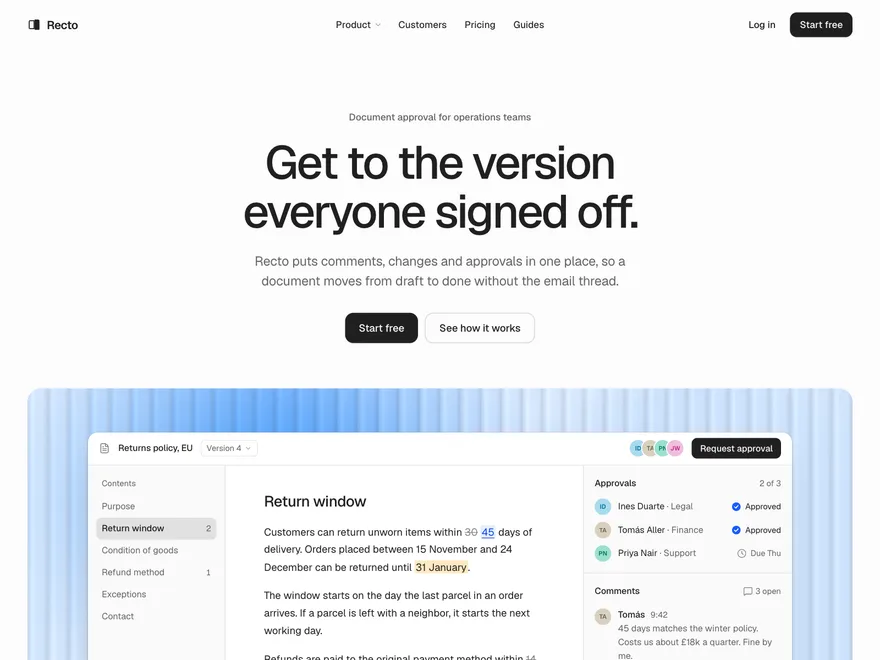
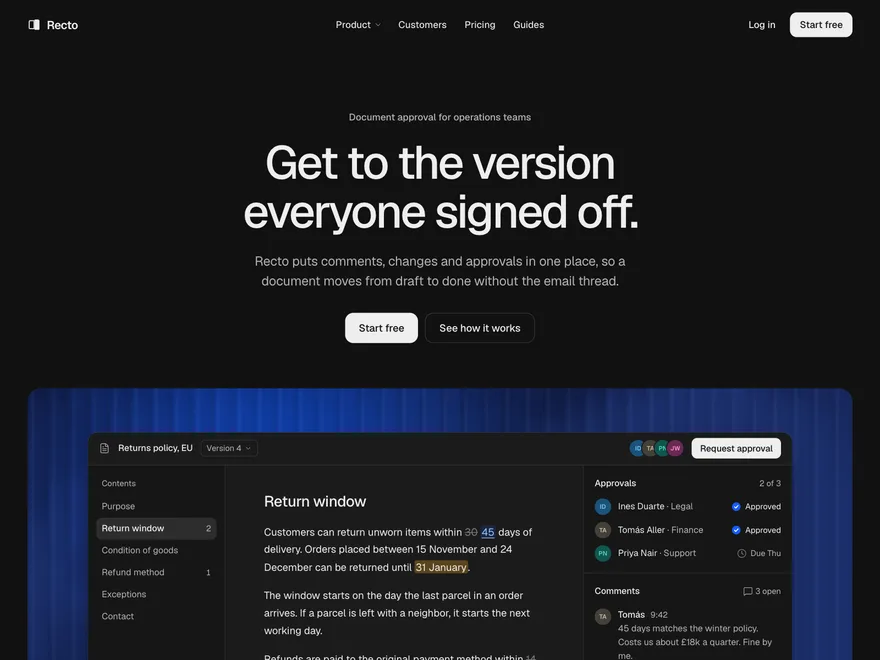
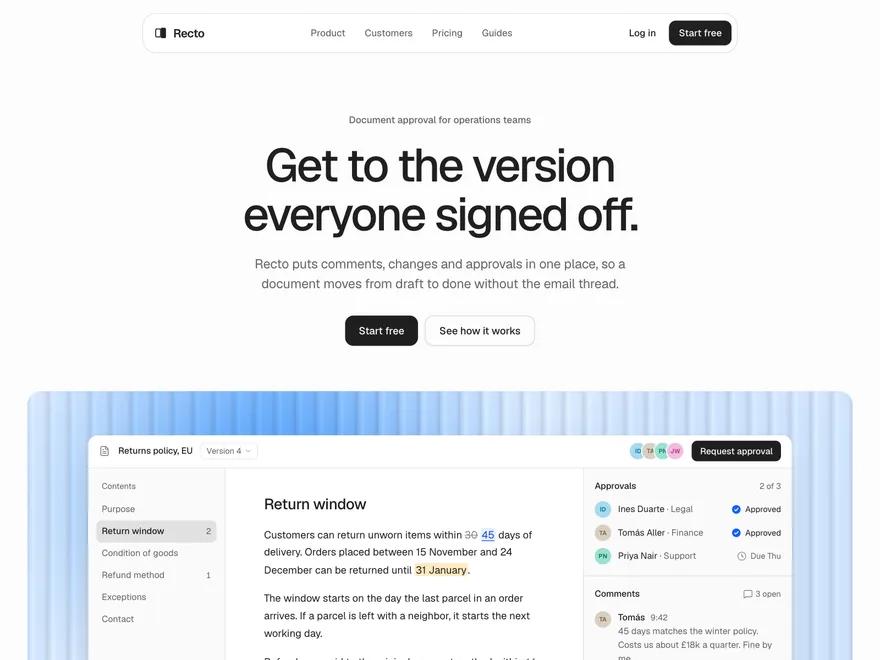
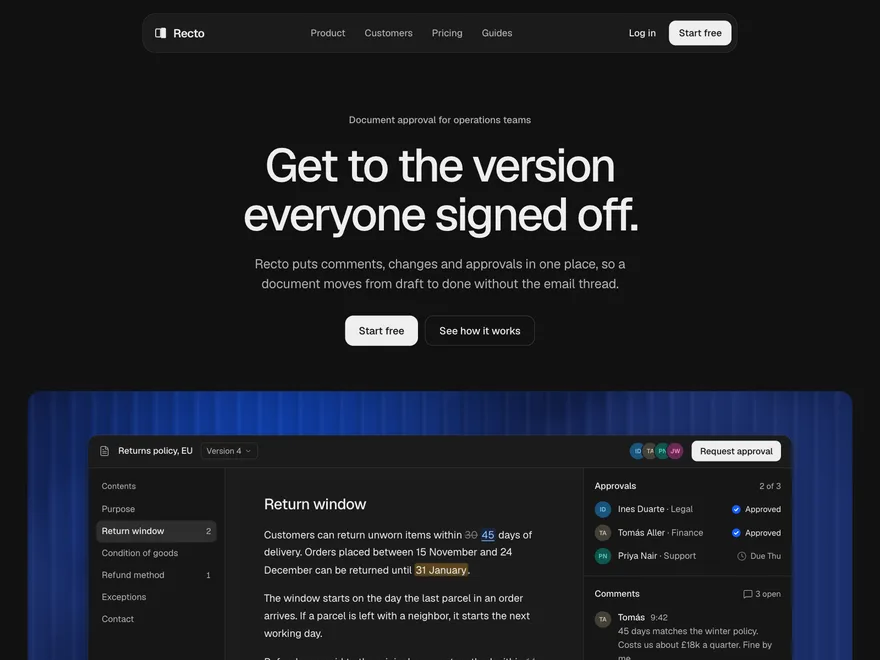
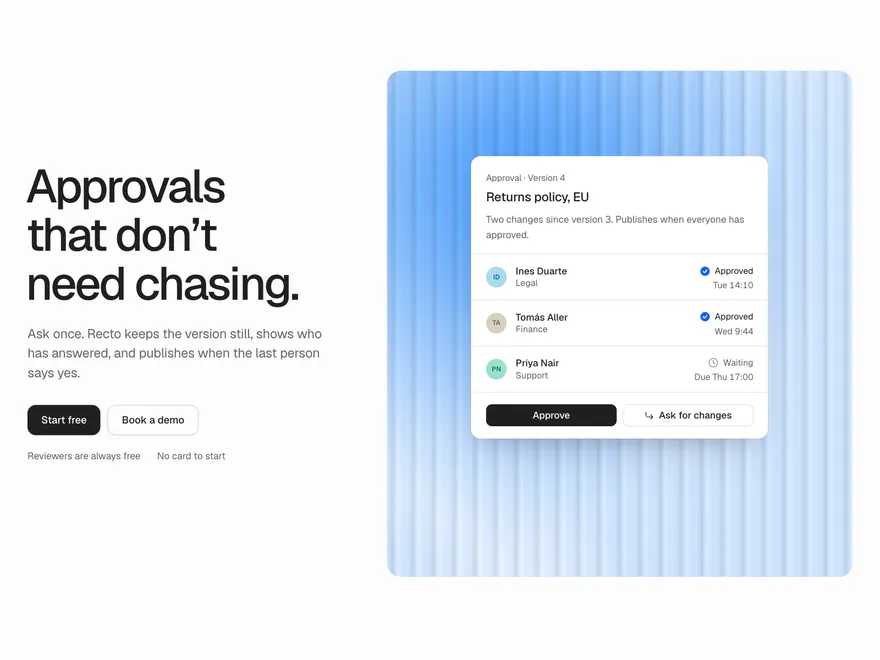
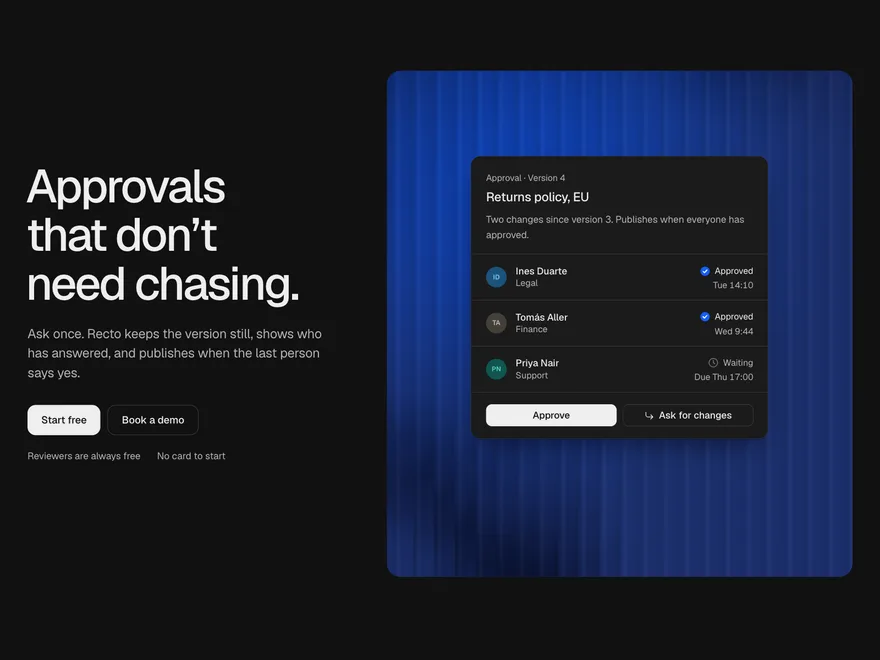
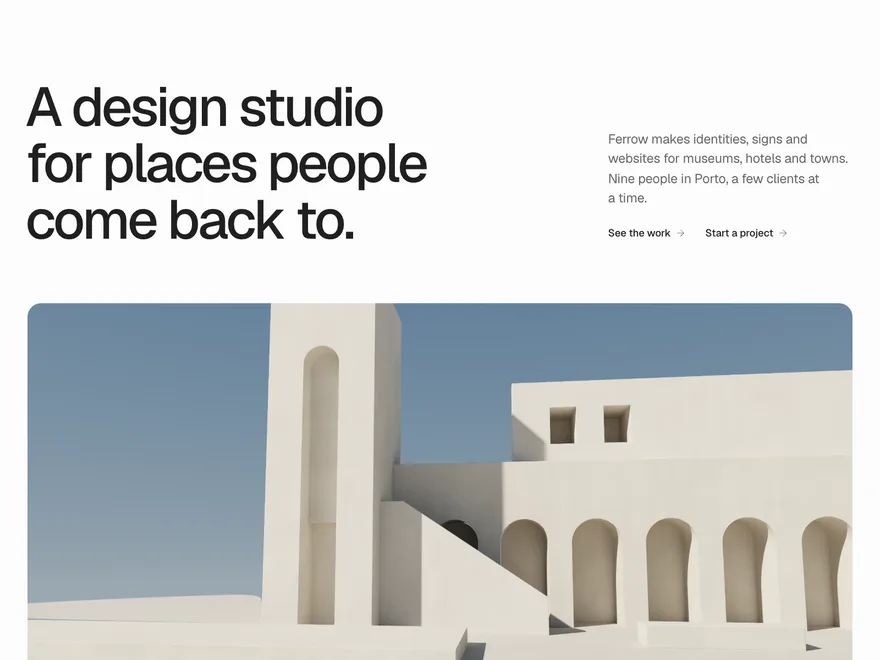
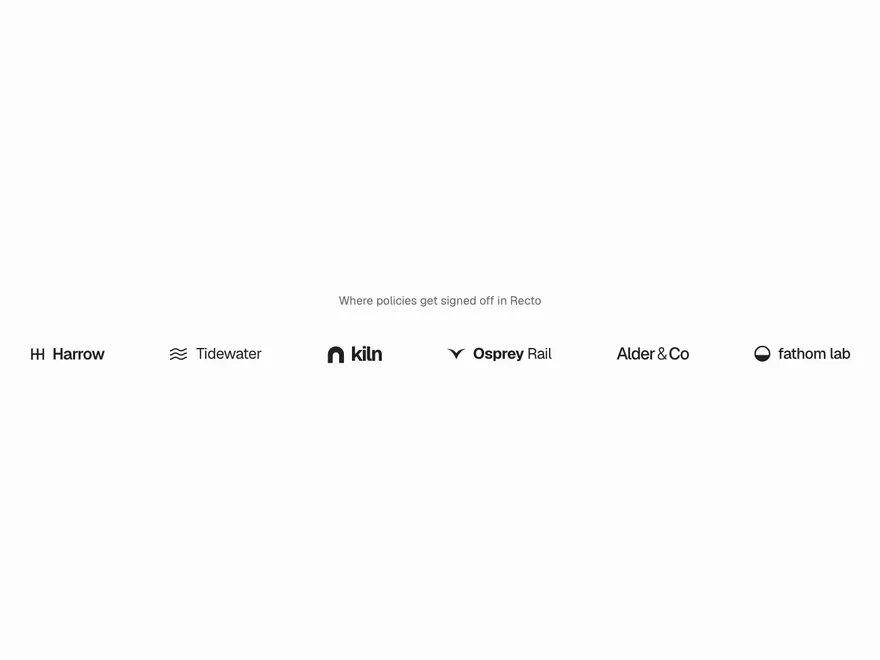
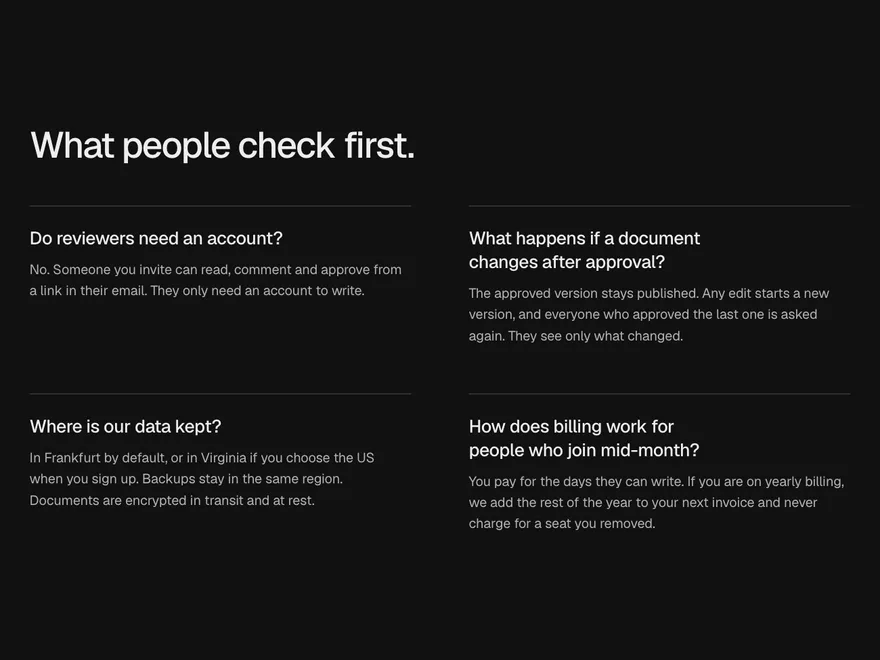
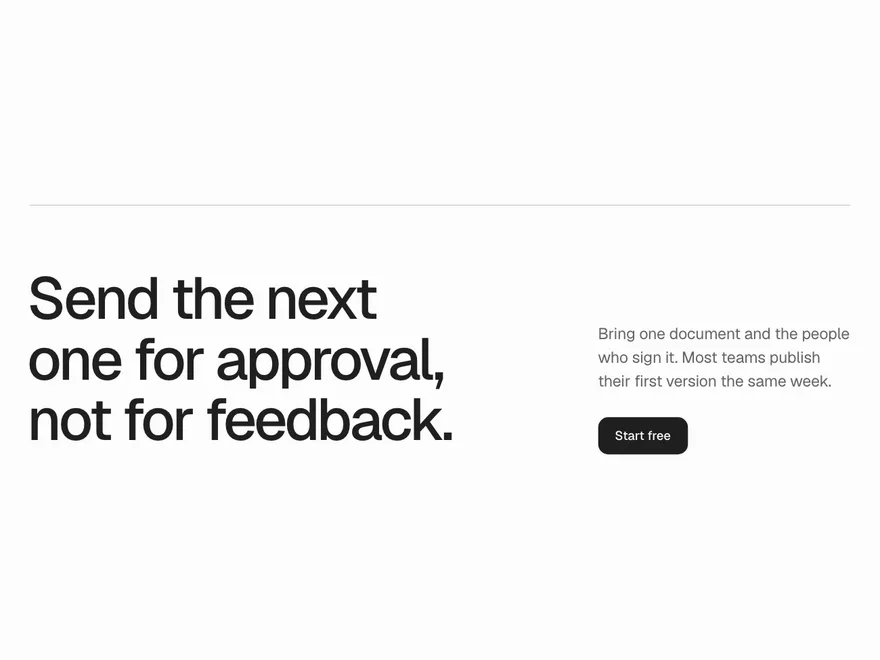
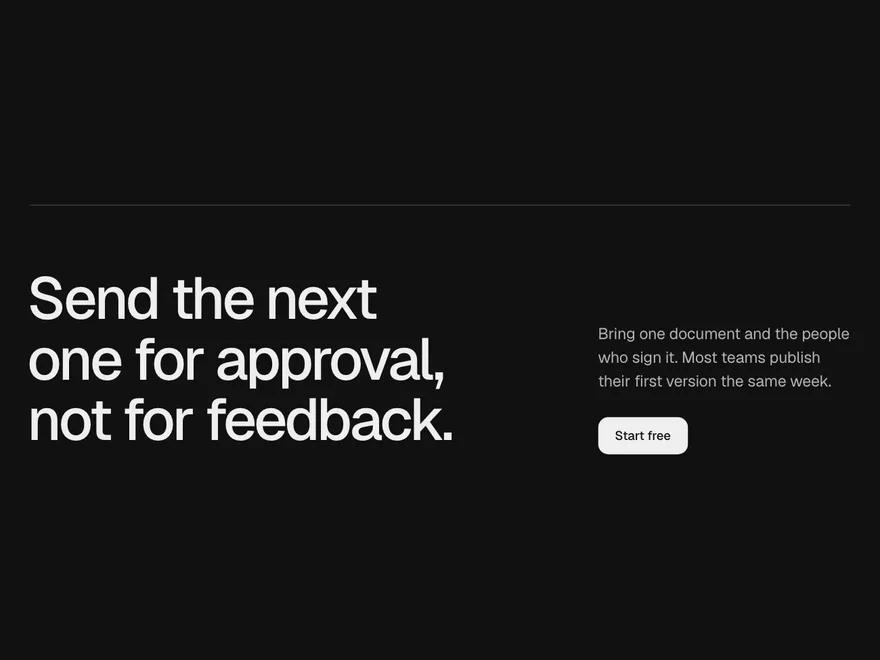
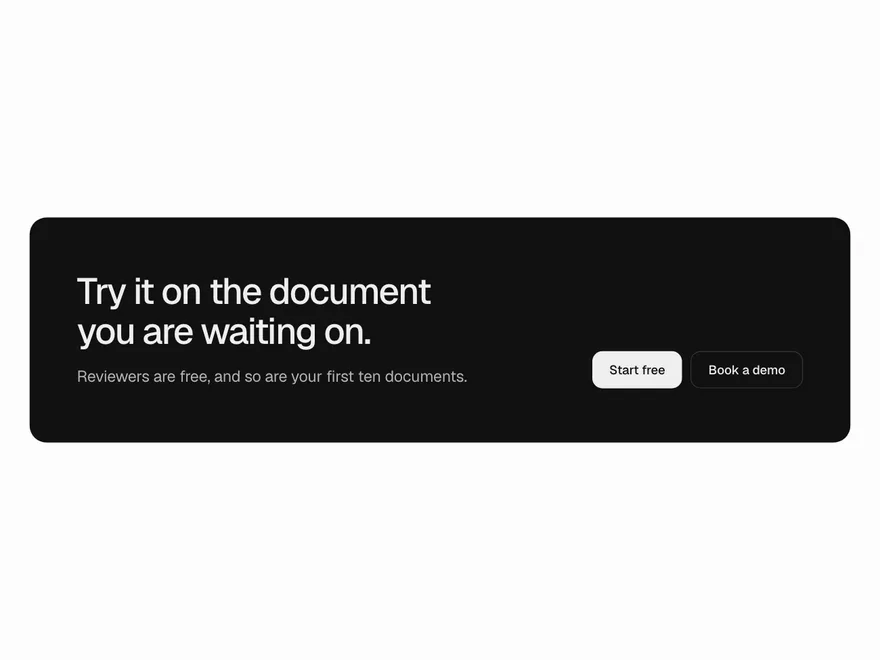
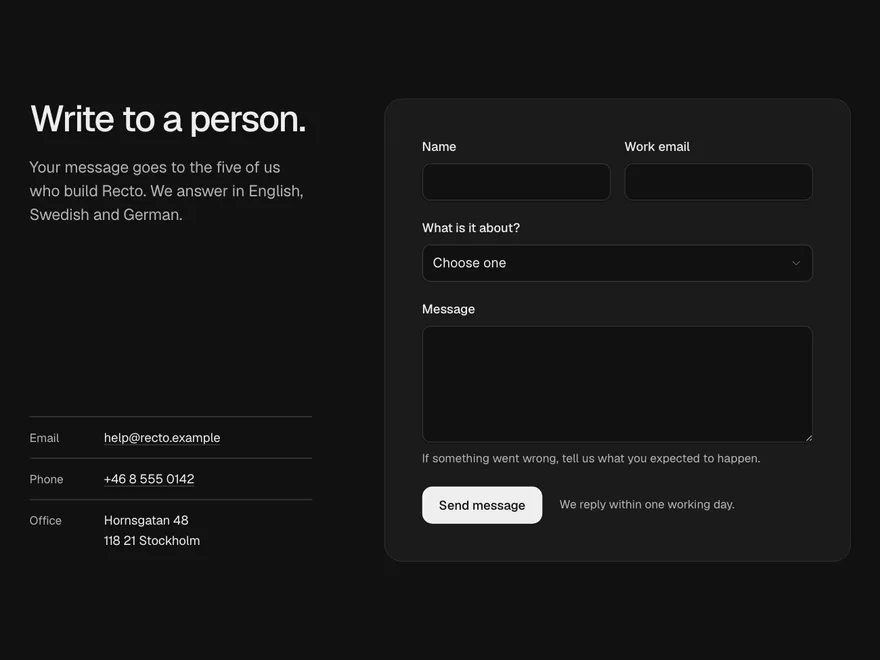
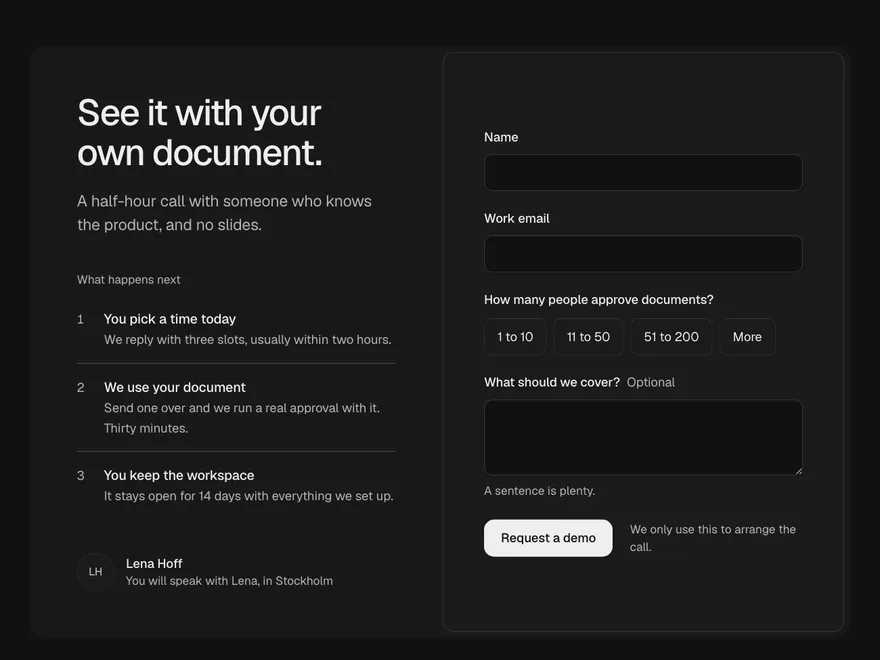
Thirty page sections for landing pages, with designed mobile layouts and both themes.
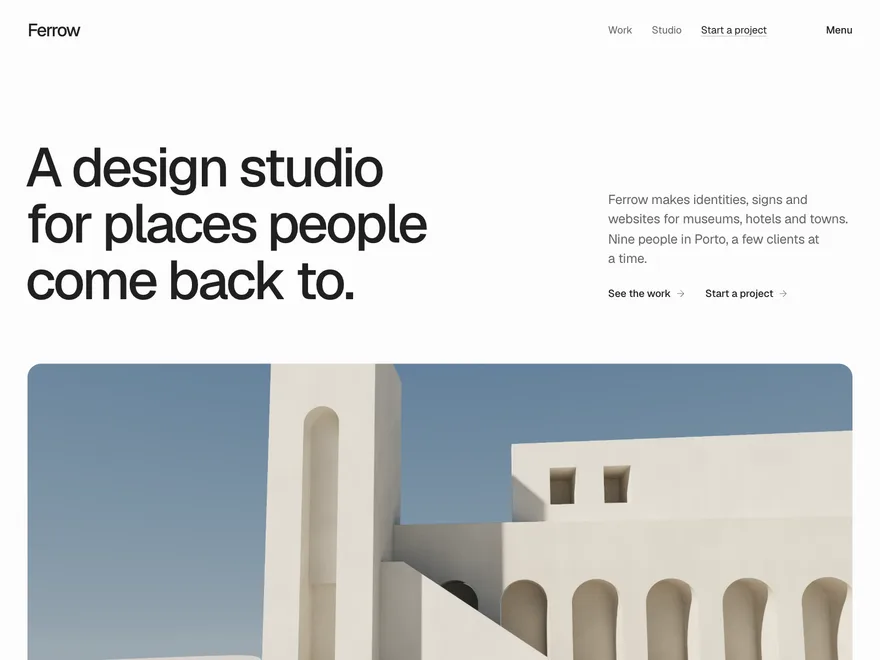
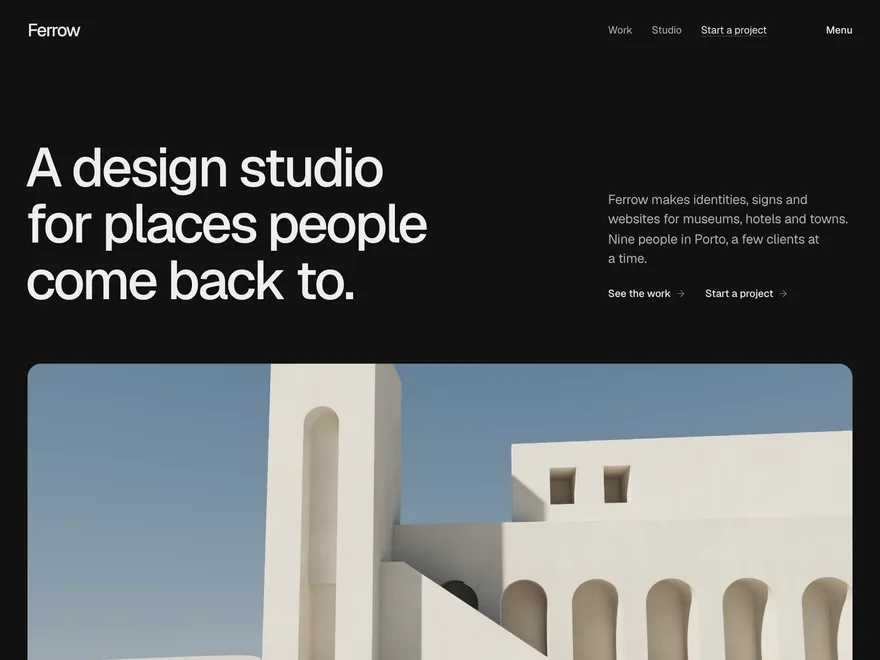
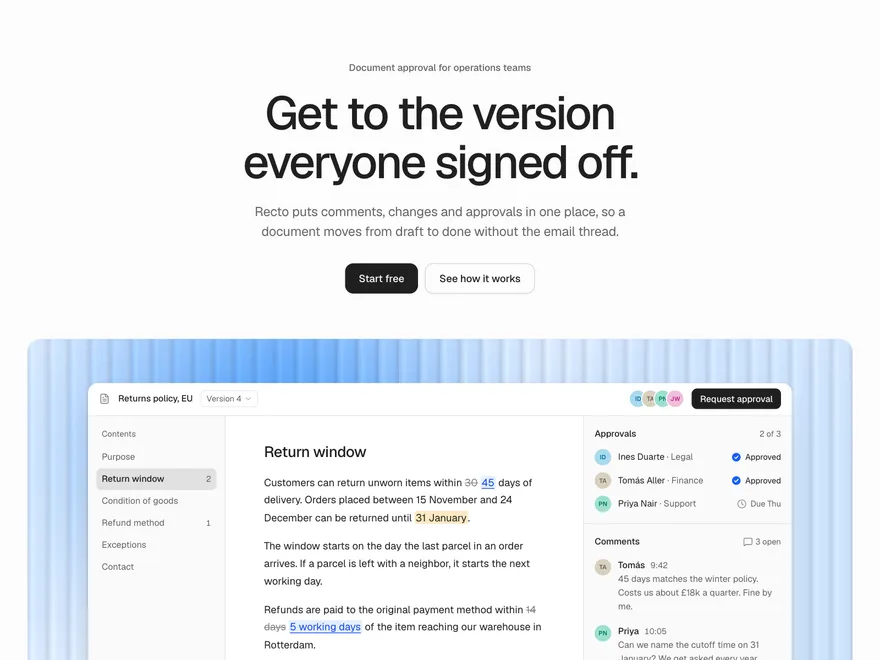
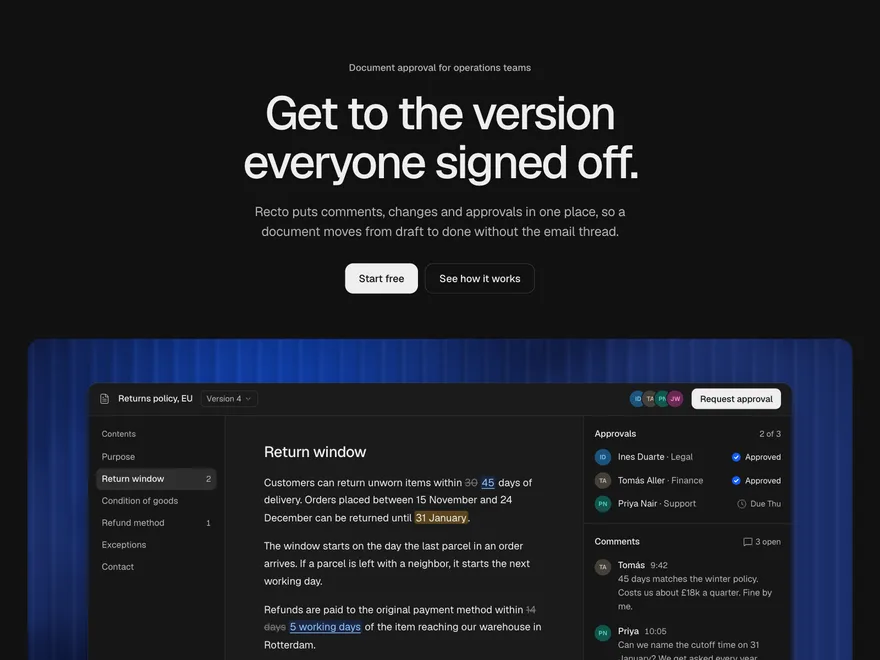
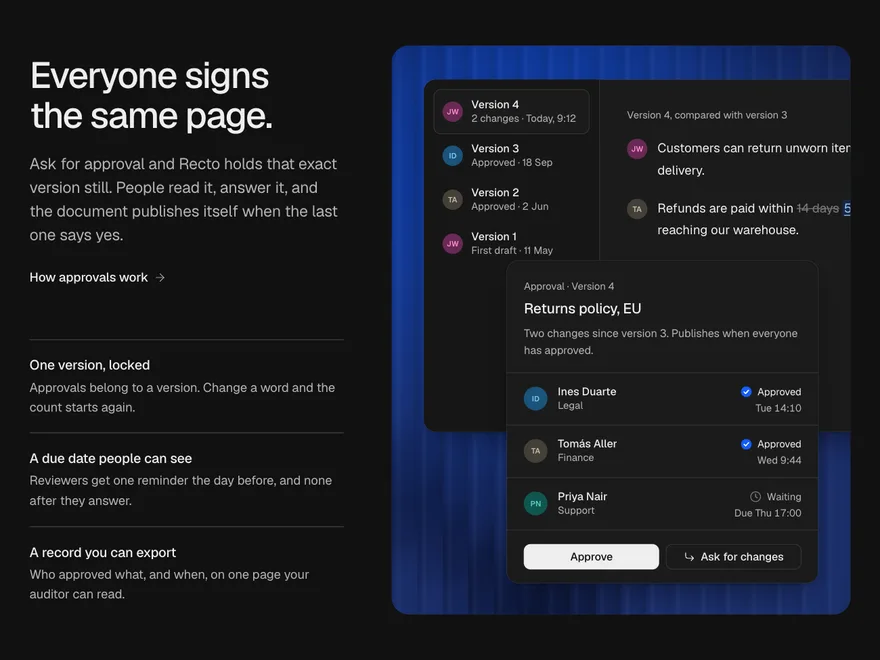
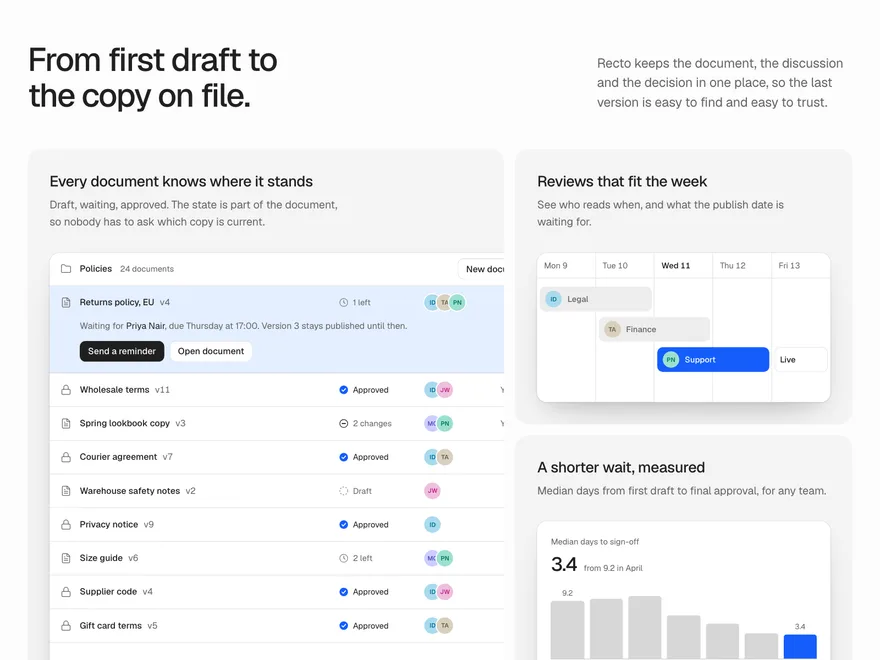
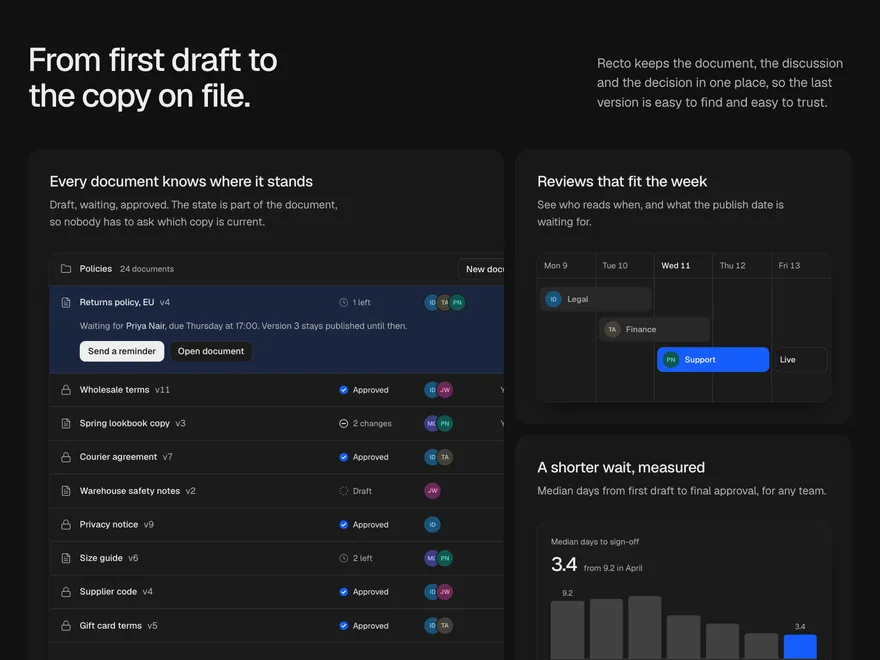
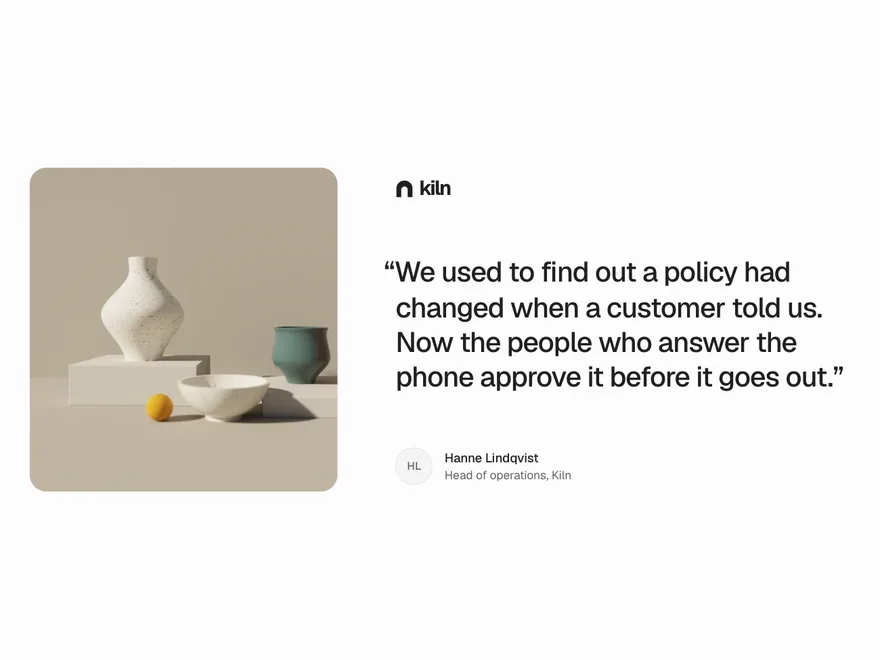
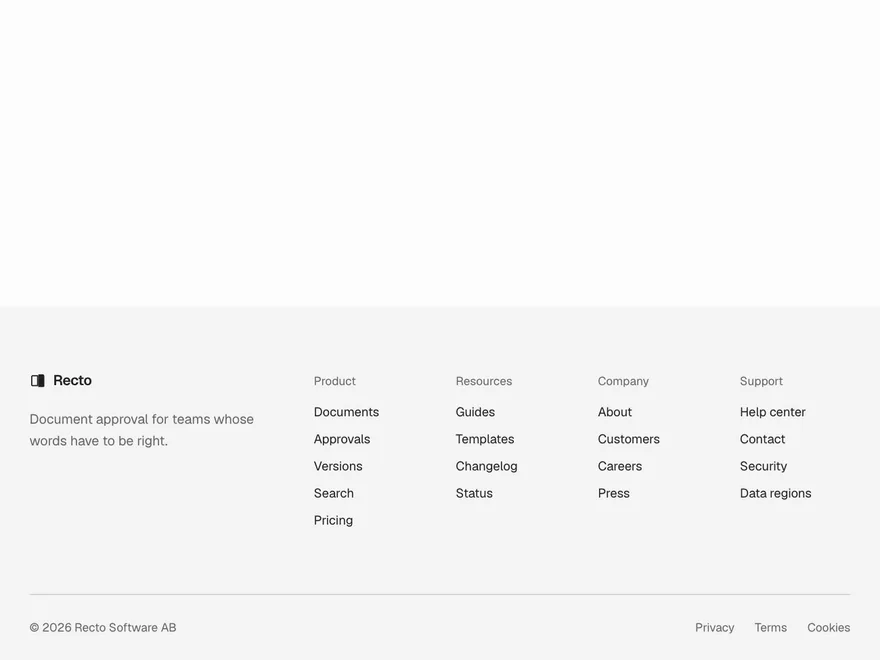
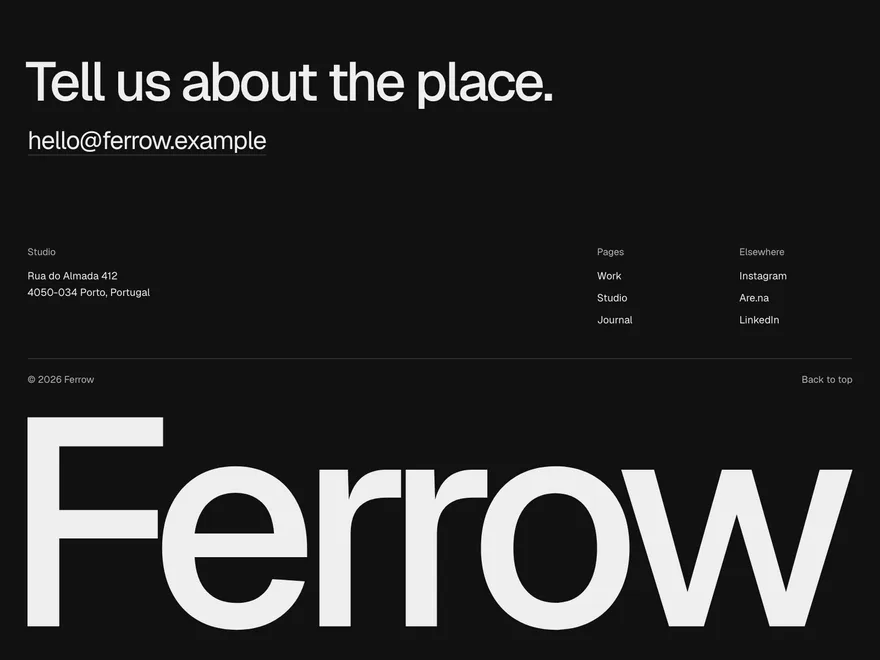
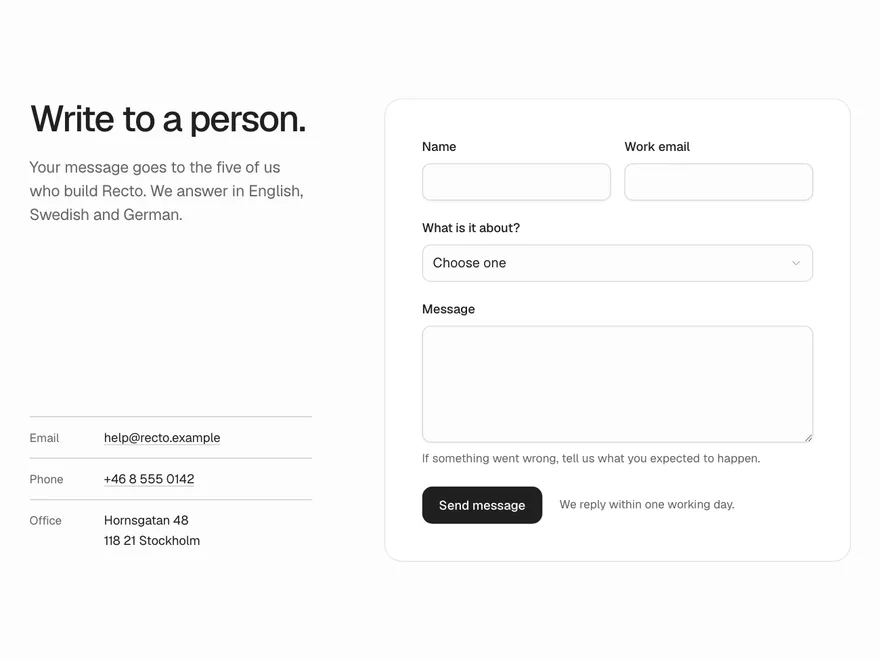
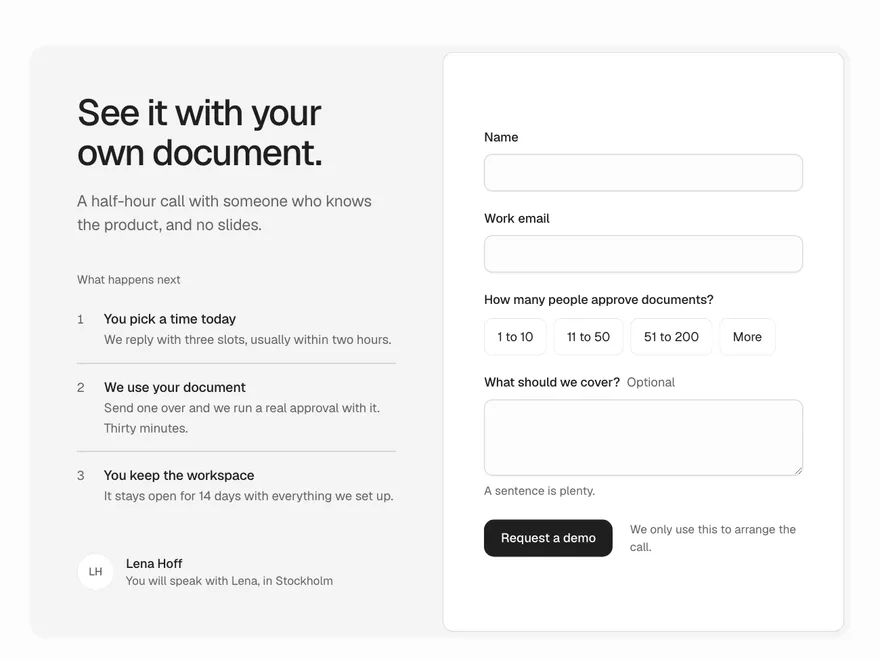
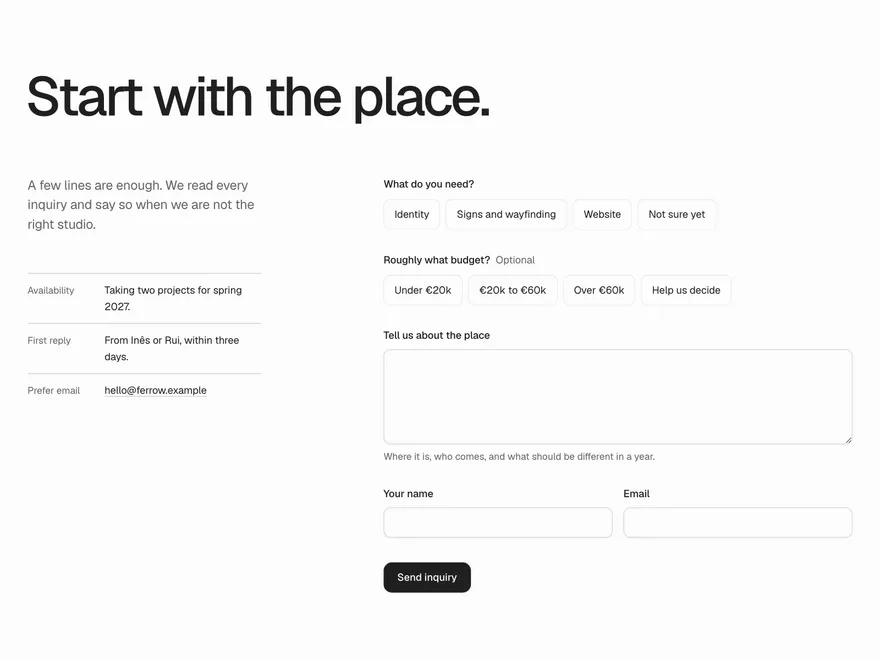
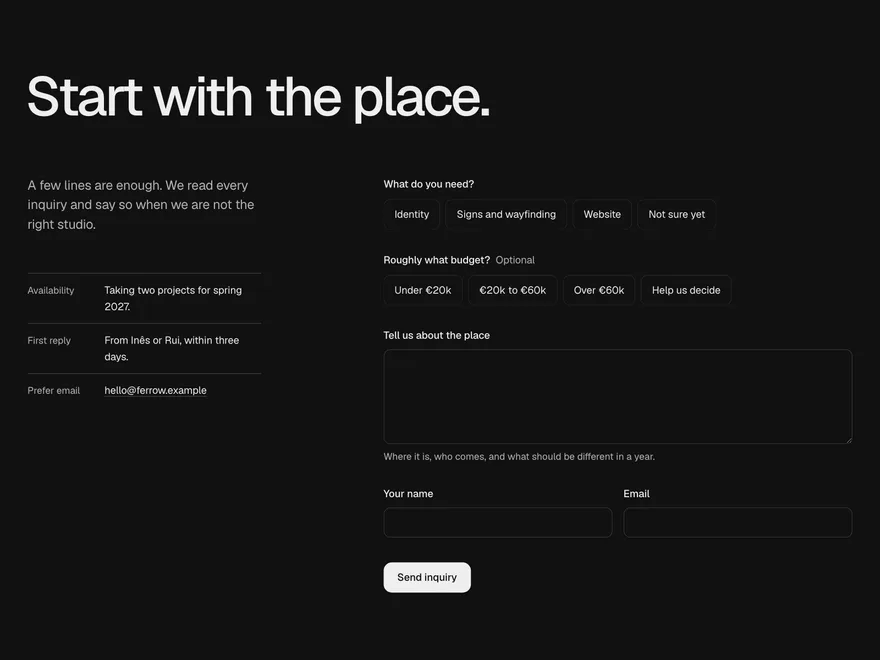
Each block is a complete section: typography, spacing, states, and a mobile layout of its own. The CLI copies its source into components/marketing, along with the small foundation the blocks share.
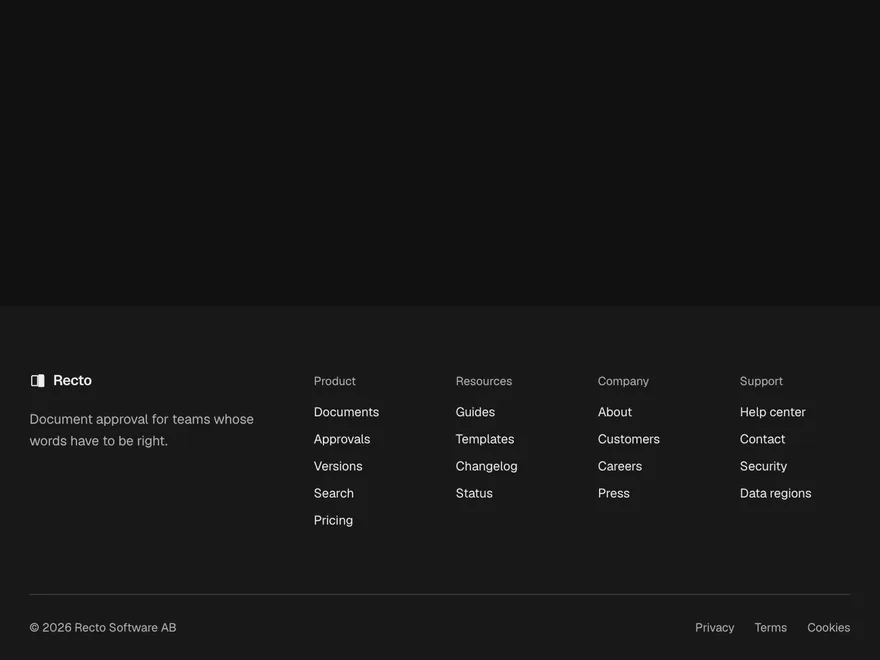
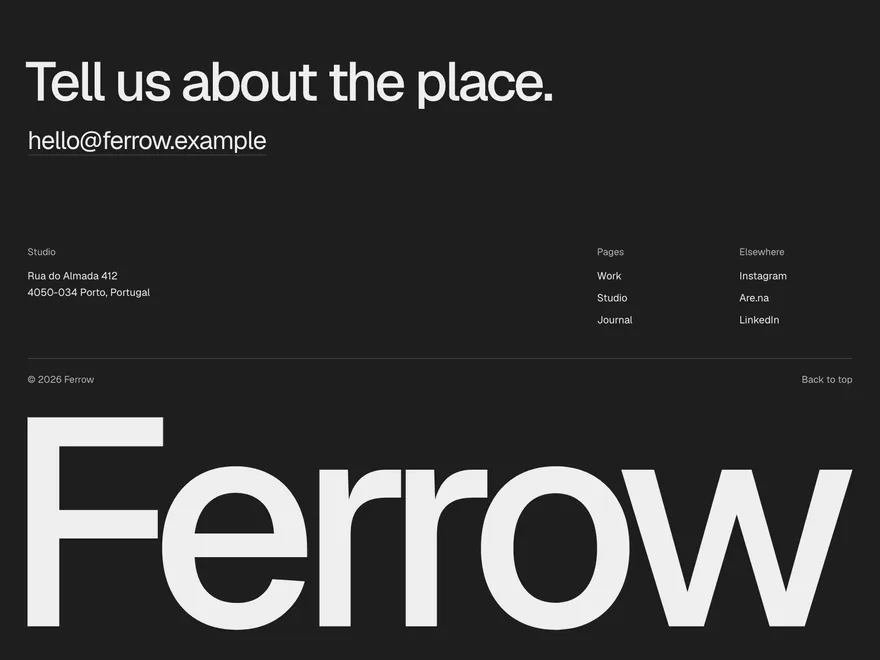
Blocks take their content as props and have realistic defaults, so you can install one, see it work, and replace the words. They use your theme, including its accent color and dark mode.
Set up once
Initialize Honest UI, then import the theme in your global stylesheet, after the other imports and above your own styles.
@import "tailwindcss";
@import "tw-animate-css";
@import "honestui/theme.css";
Set the theme on the root element. For dark mode, change both values to dark.
<html data-theme="light" class="light">Blocks are set in Geist. Load it, then point the theme at it below the imports. Another typeface works the same way.
:root {
  --font-geist-sans: var(--font-geist);
}
With next/font, --font-geist is the variable you pass to Geist() and add to the root element.
Start with a page
The software landing page is built from ten blocks and nothing else. Choose View sections on the page to see which block is which and to open any of them alone.
npx honestui@latest add navigation-product hero-centered-product \
  logos-quiet-row features-split-spotlight features-asymmetric-grid \
  testimonials-signature-quote pricing-three-plans faq-split \
  cta-product-supported footer-directory
Place blocks one after another. Each section owns half of the gap above and below it, so any two fit together without margins of their own.
All blocks

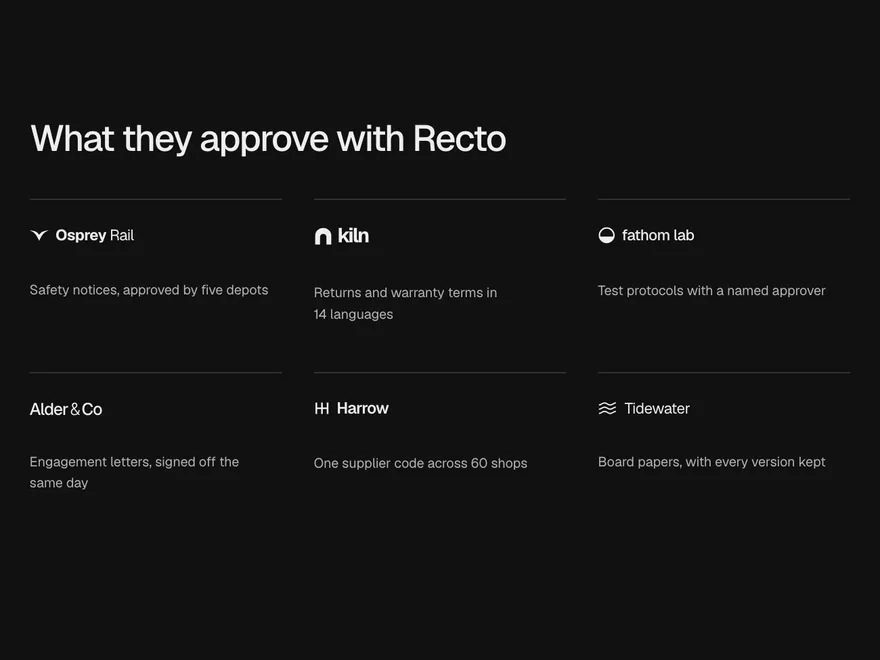
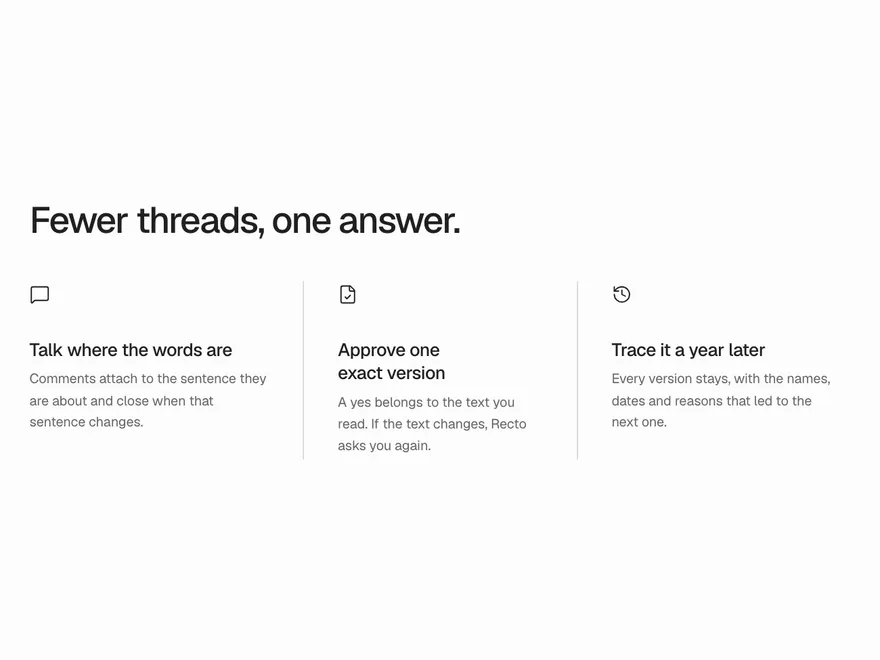
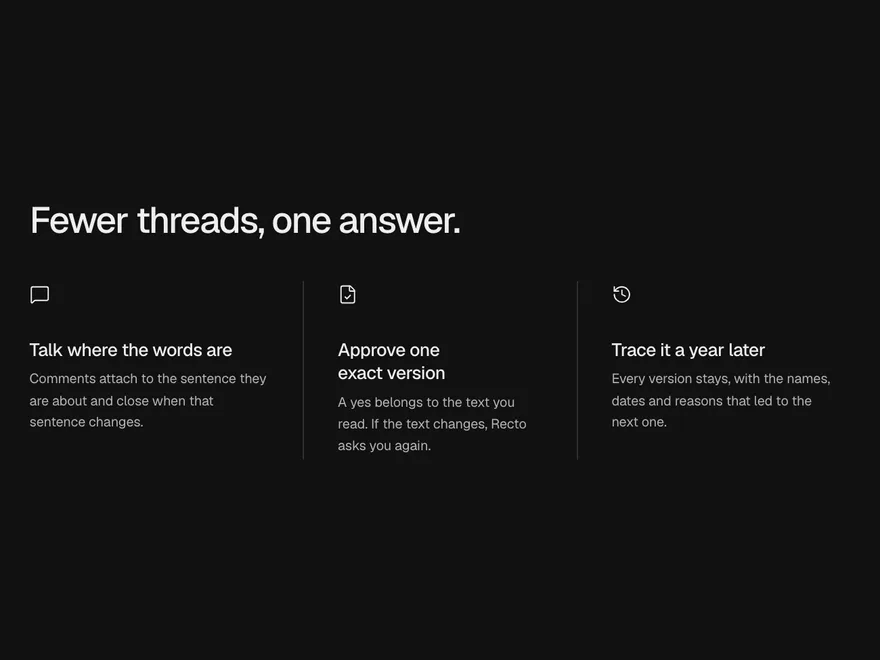
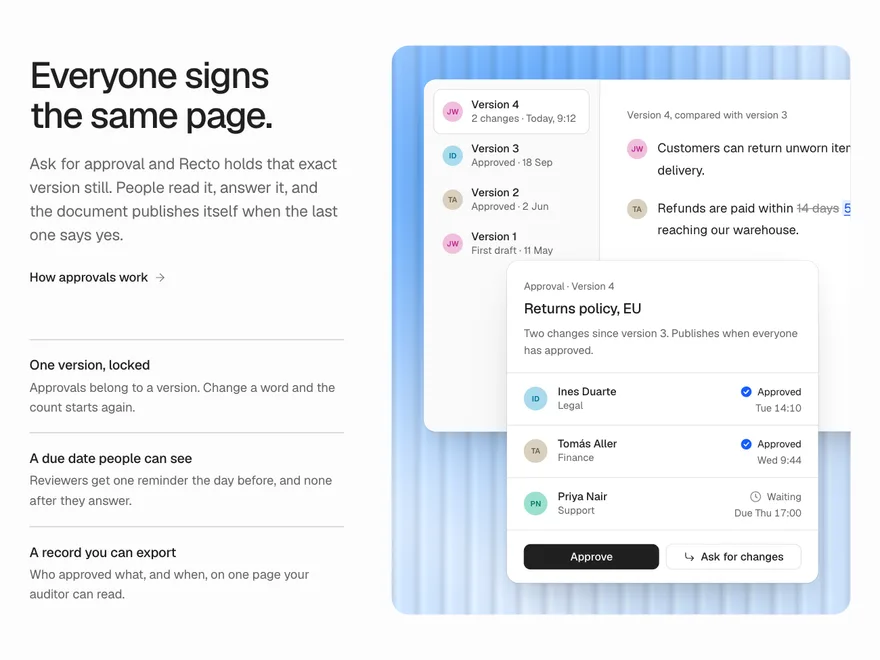
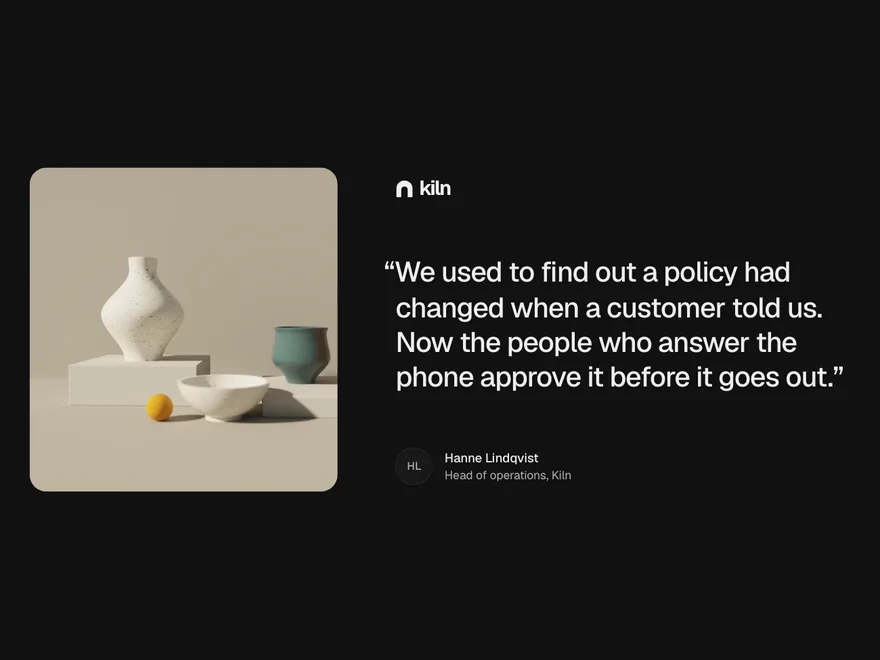
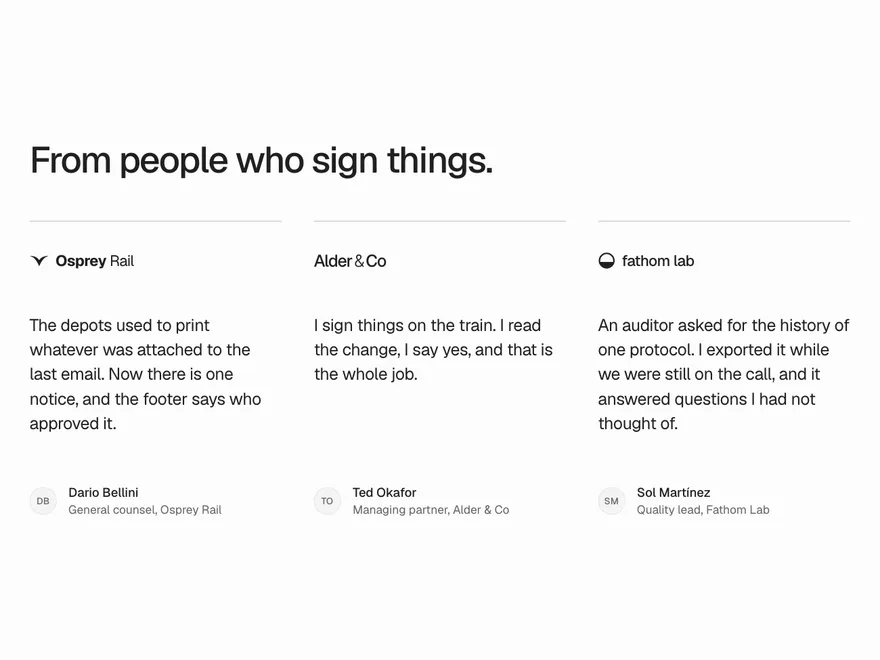
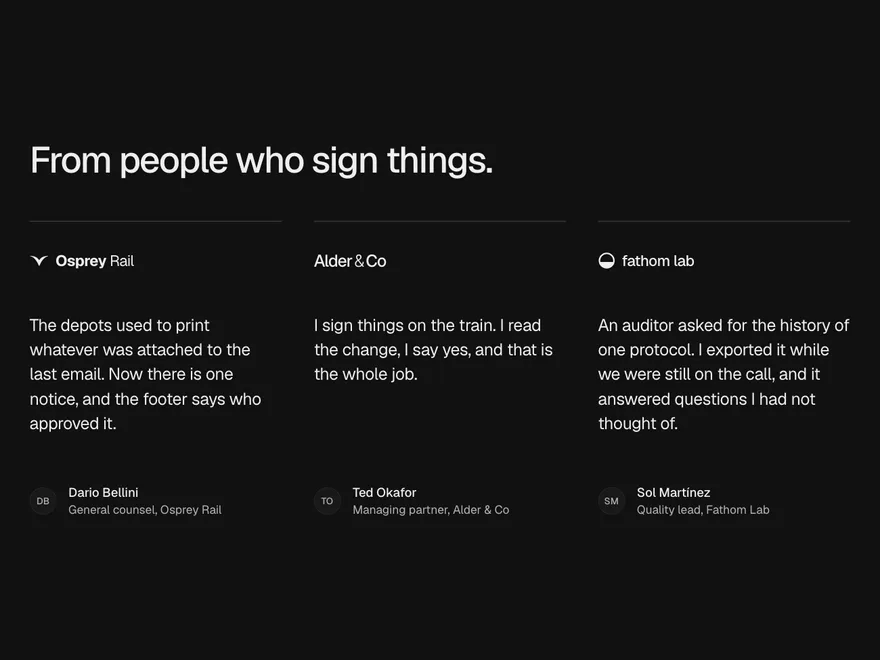
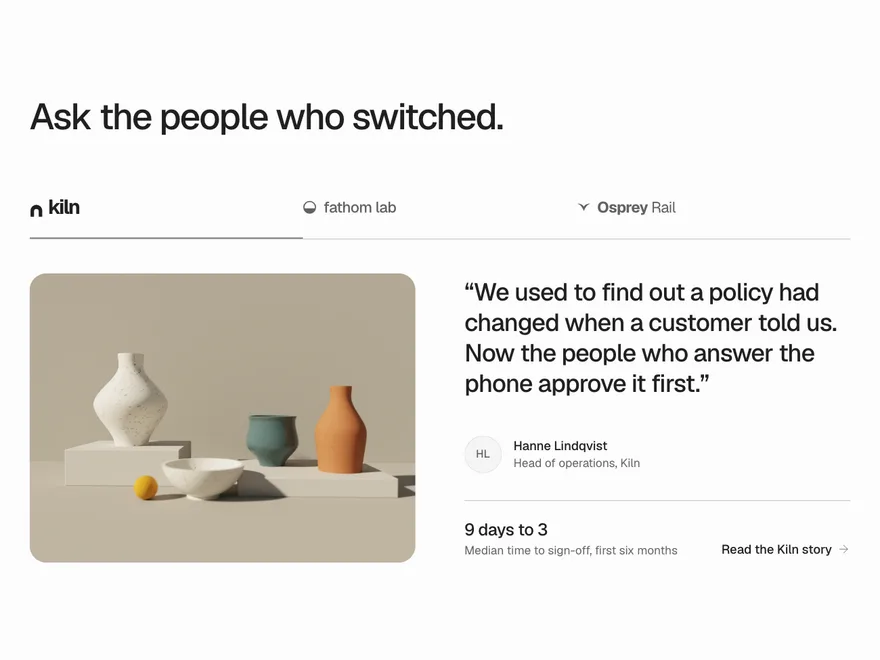
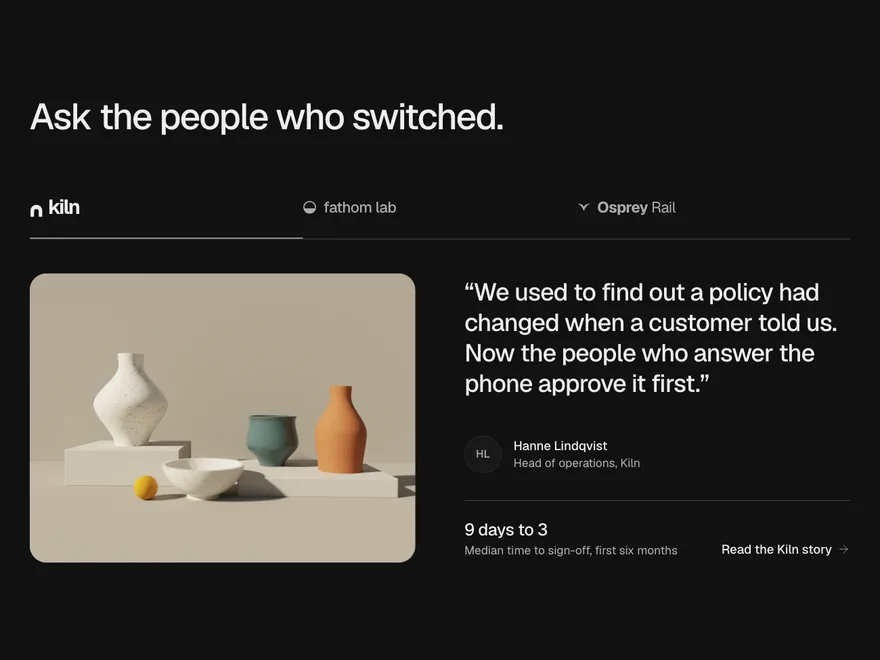
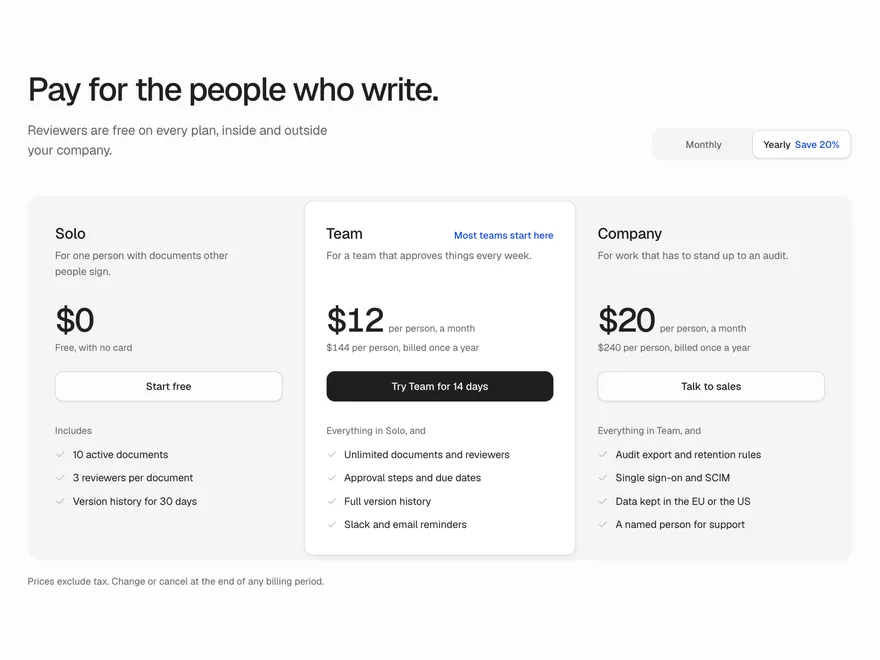
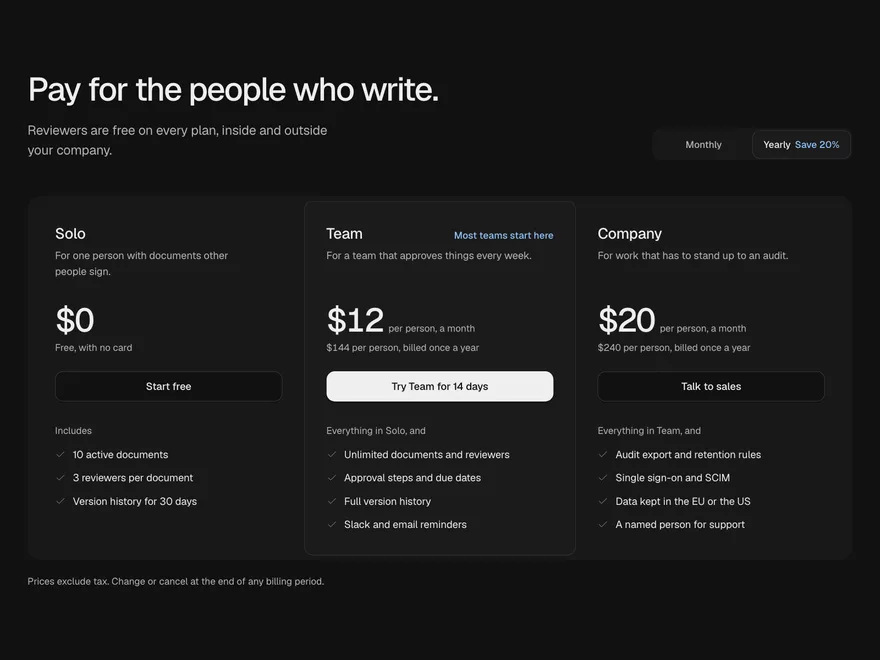
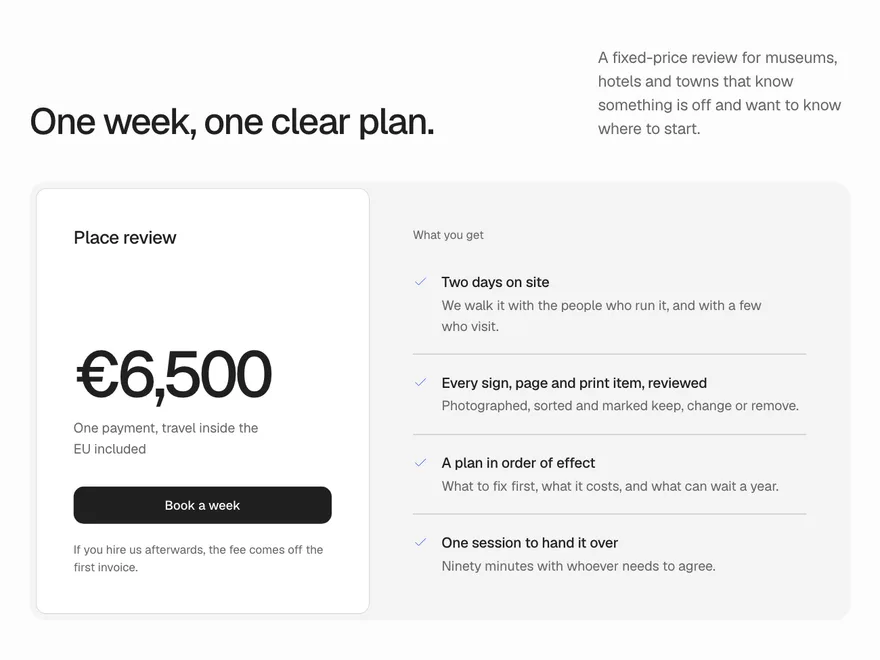
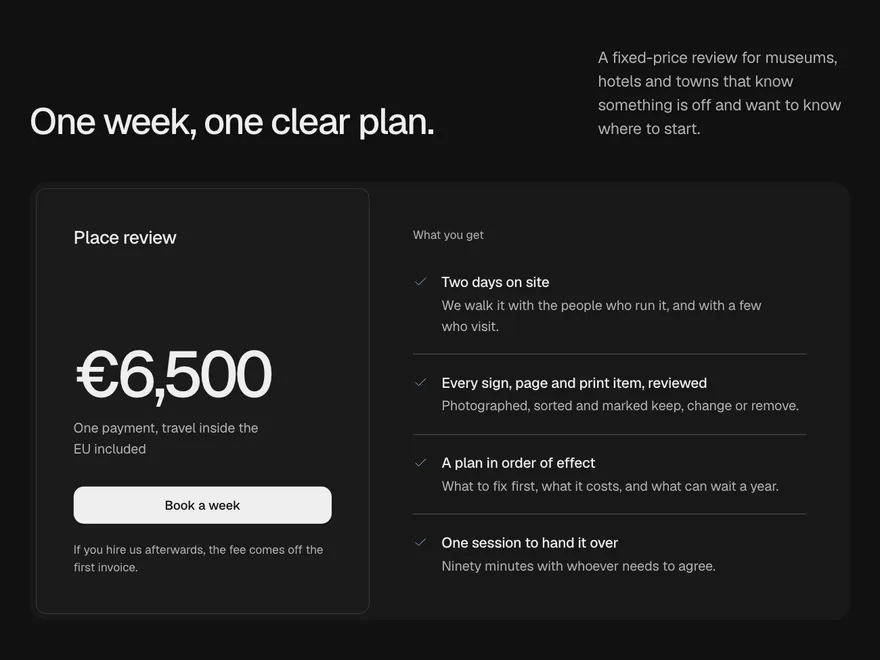
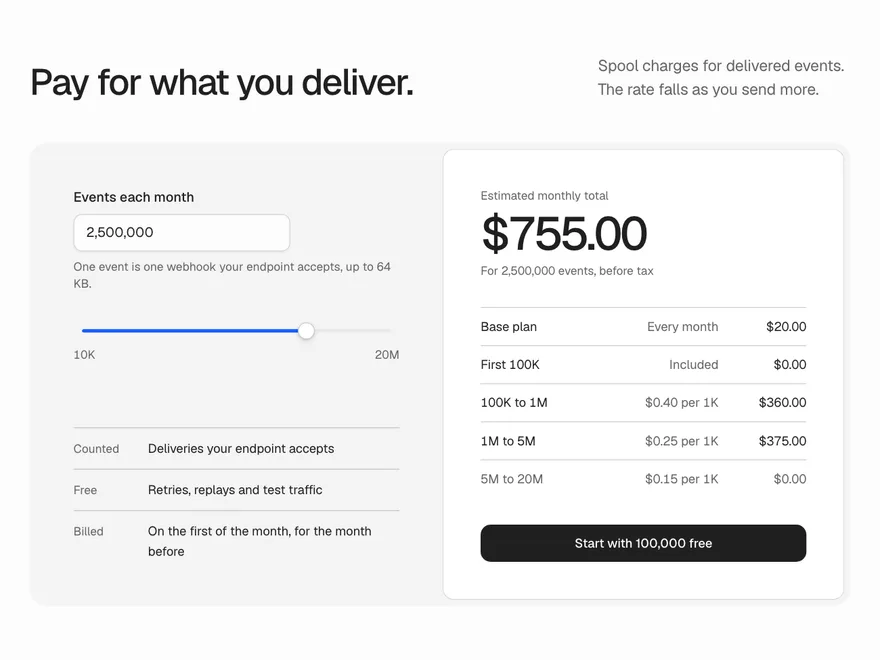
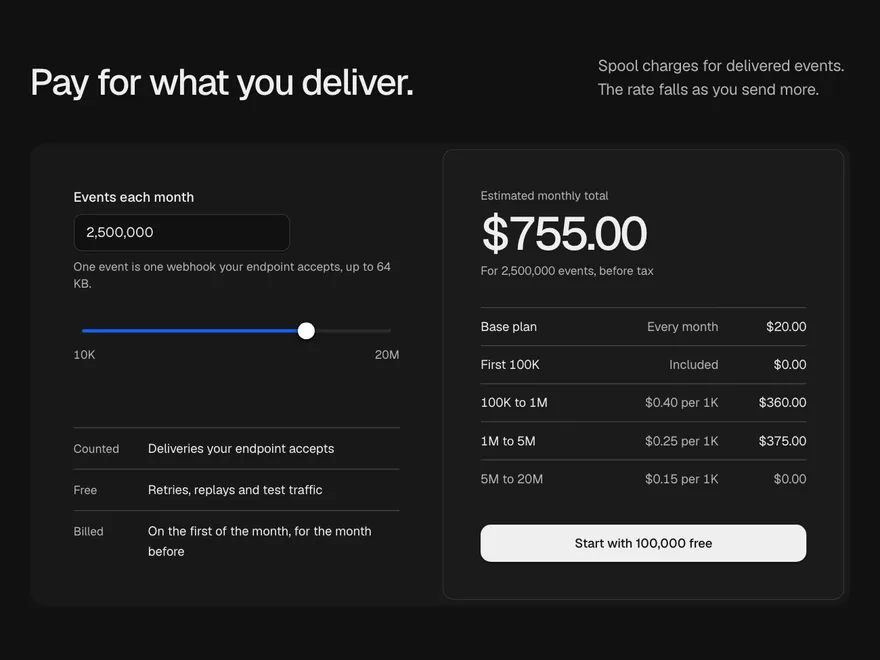
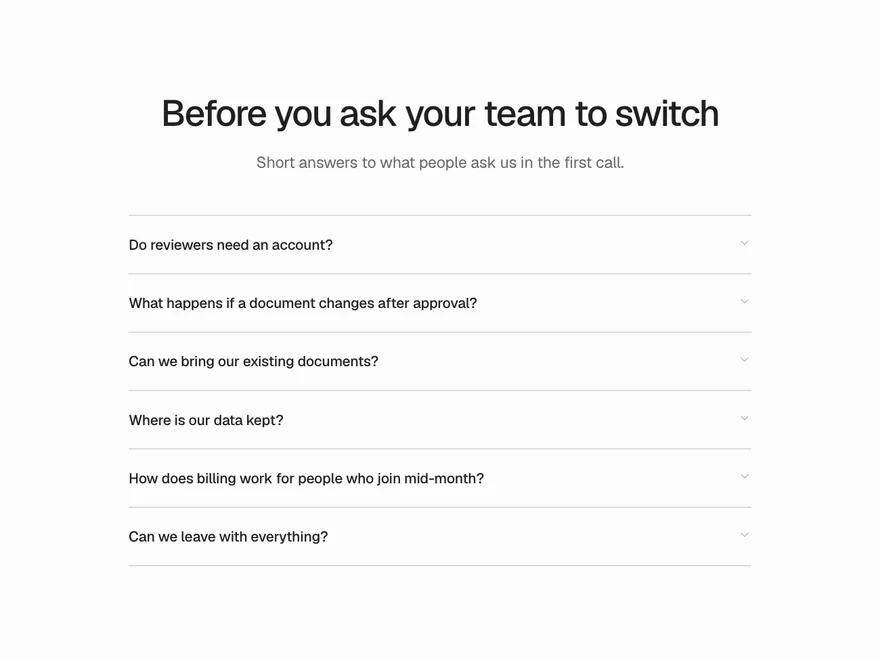
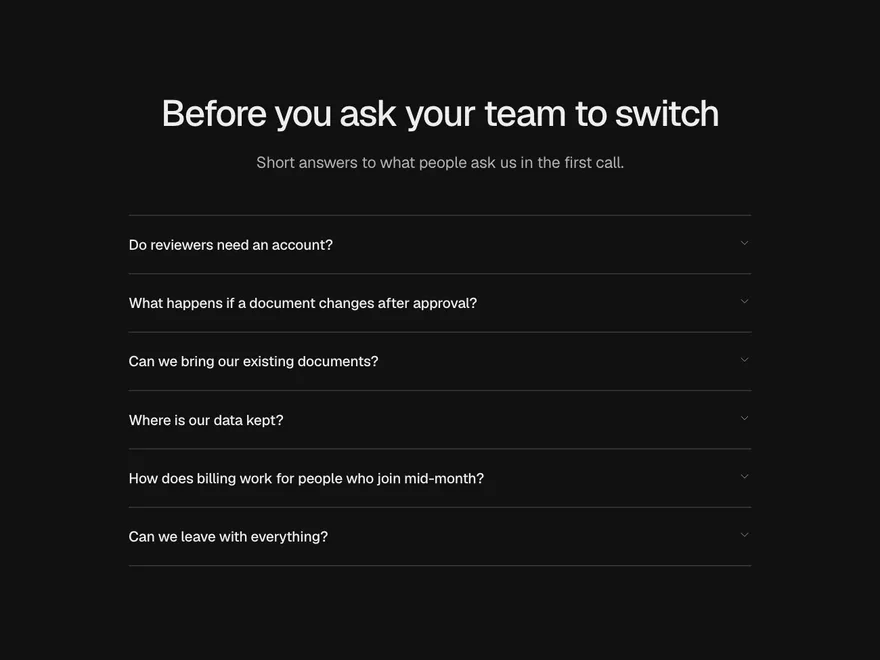
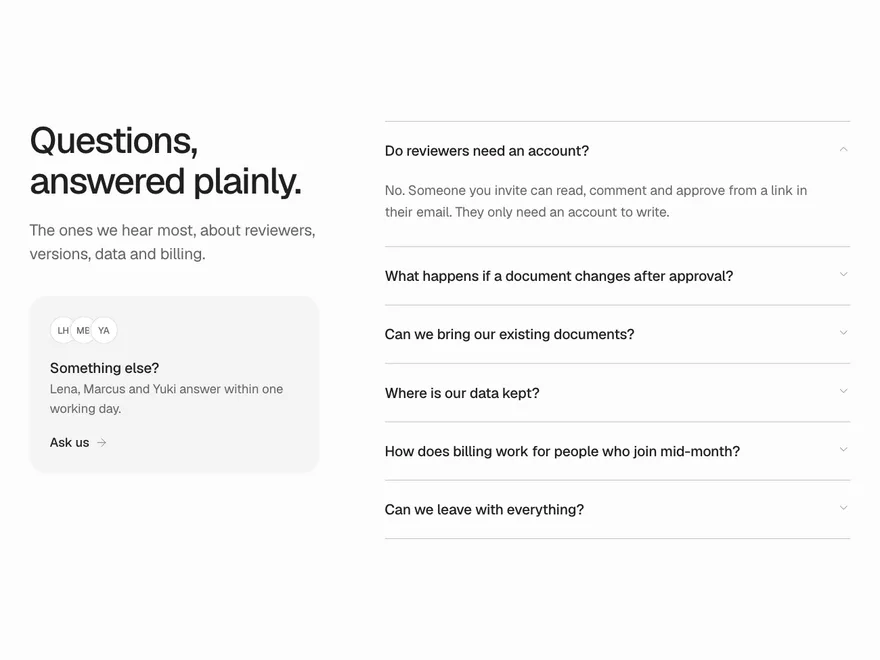
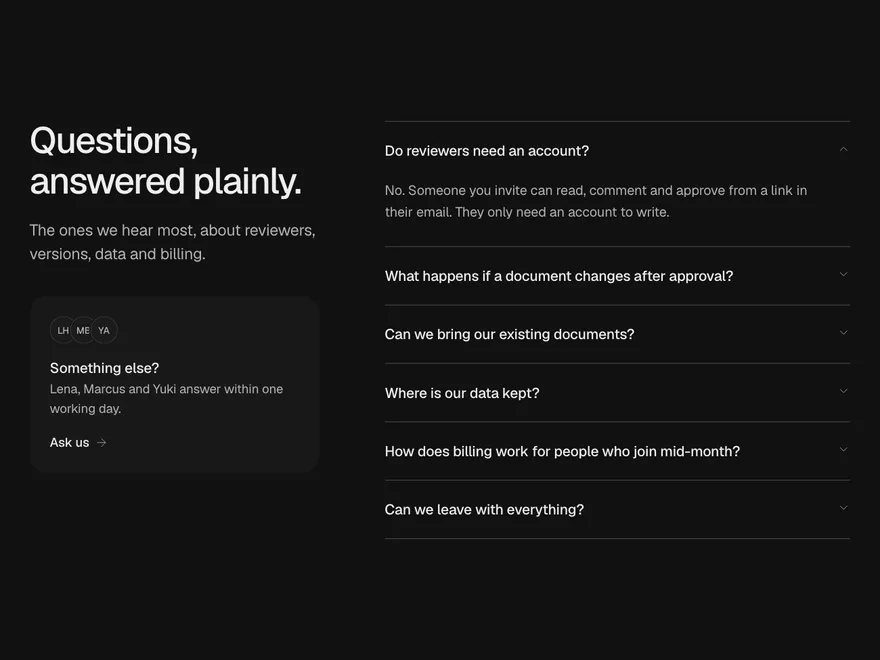
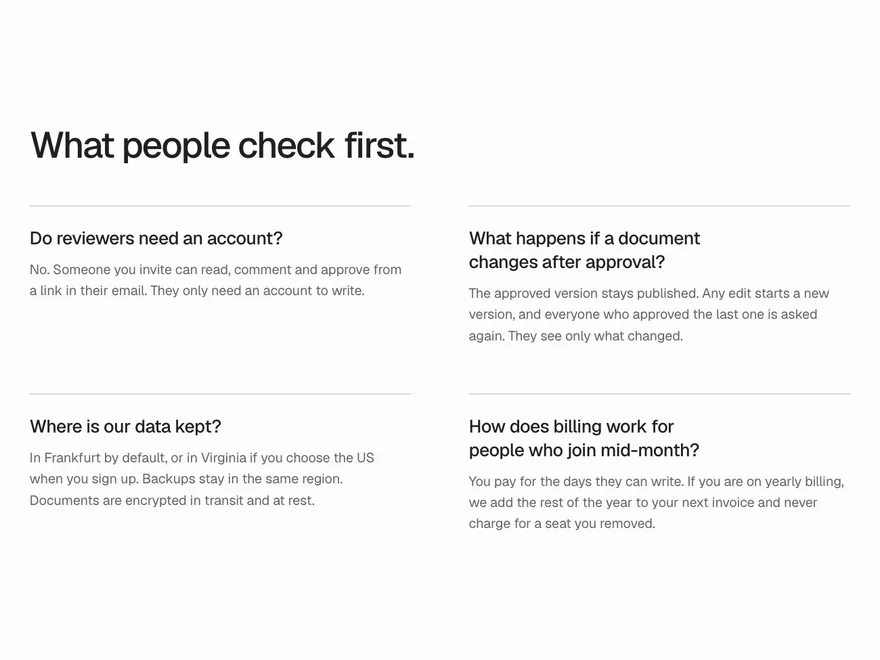
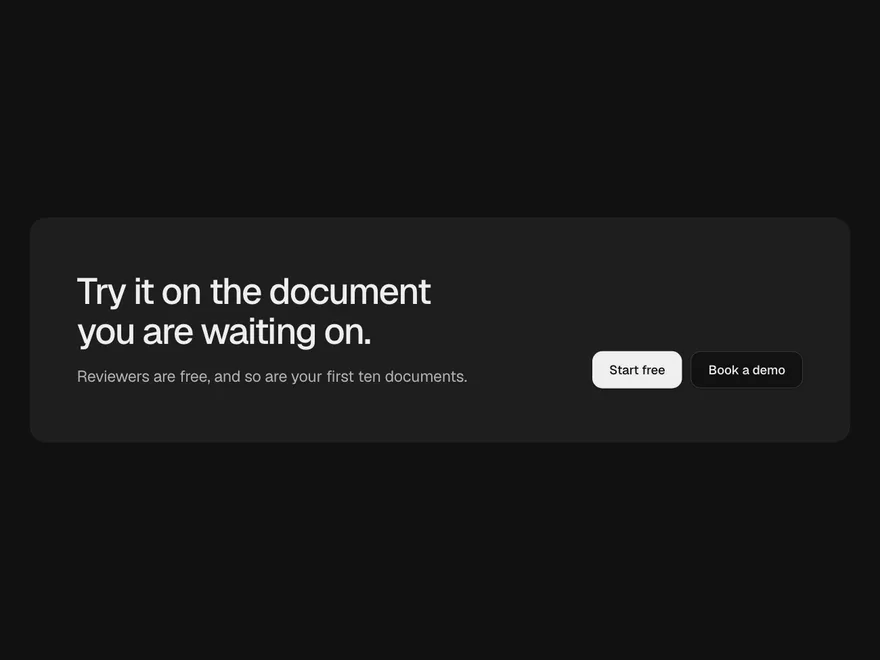
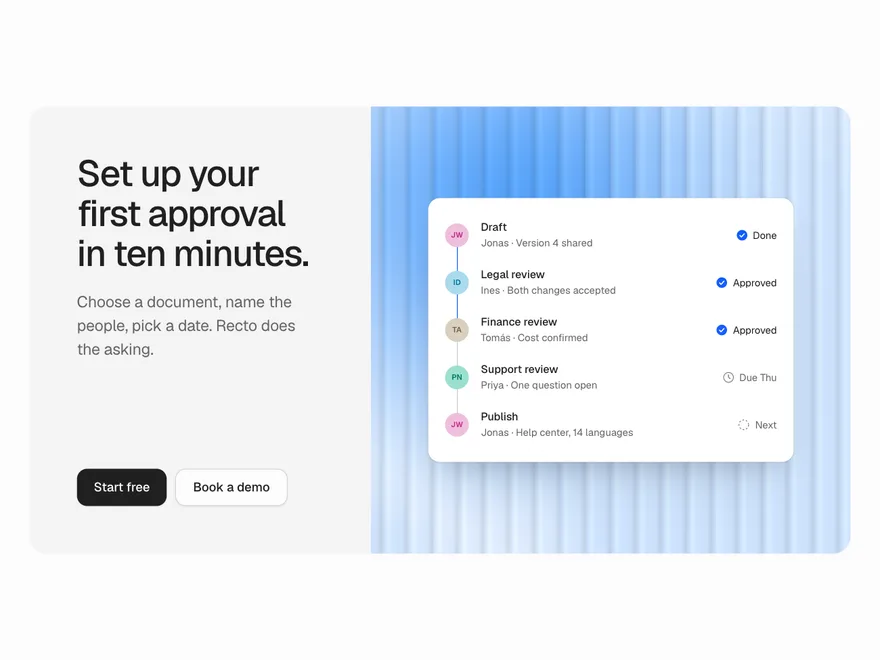
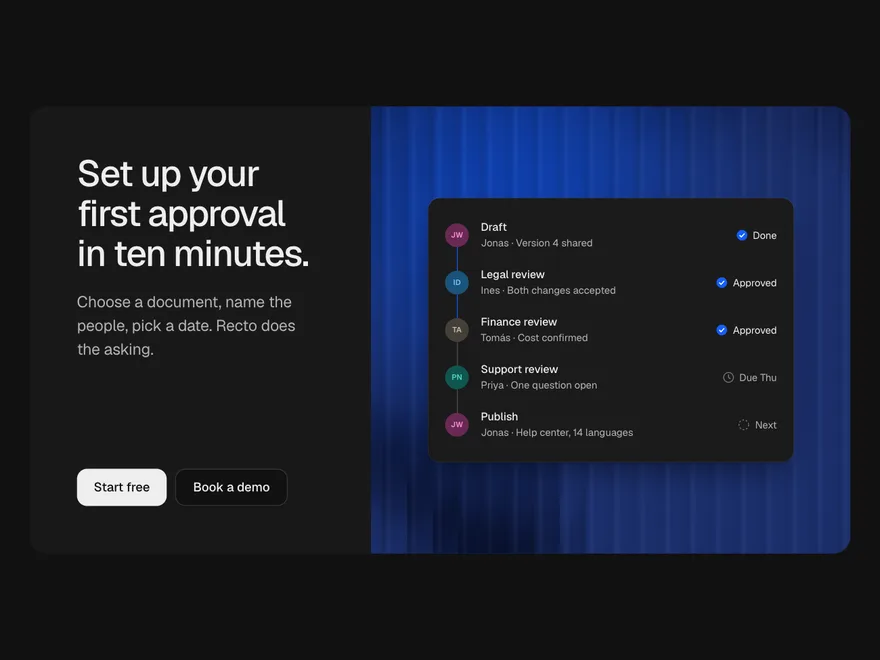

Before you publish
The brands, people, and figures in the examples are fictional. The photographs are rendered for these examples and load from honestui.com until you replace them.
- Replace the copy, the links, and the images.
- Replace quotes, logos, and outcomes with ones your customers have agreed to.
- Check every price, saving, and billing sentence against what you charge.
- Connect forms to your own endpoint with
onSubmit. - Test the page with a keyboard, at 320 pixels wide, and in both themes.